

Web Application · Campus System

ITSO ID Tracker

Book, track and claim a school ID in one place.

What it does
Lets NU Dasmariñas students book an ID appointment and follow its status until the ID is ready for pickup, while ITSO manages appointments, records and announcements.
My role
  • Web Developer
Period
2024 – 2025
Organization
National University – Dasmariñas
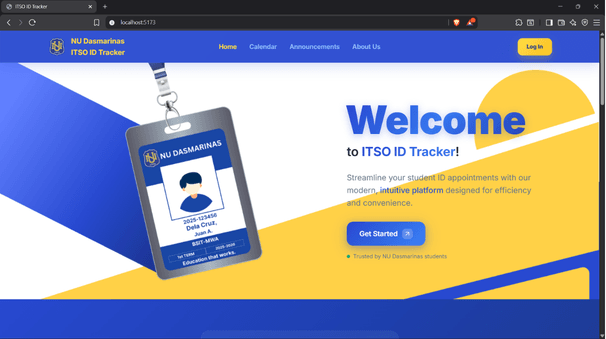
ITSO ID Tracker home page: a 'Welcome to ITSO ID Tracker' headline with a Get Started button beside an NU Dasmariñas student ID card on a lanyard.

01The problem

Why it was needed

Students applying for or replacing a school ID need a convenient way to check their request's status, know whether a new photo is required and find out when the ID is ready to collect. The IT Services Office (ITSO) also needed one place to manage those appointments and records.
02The solution

What we built

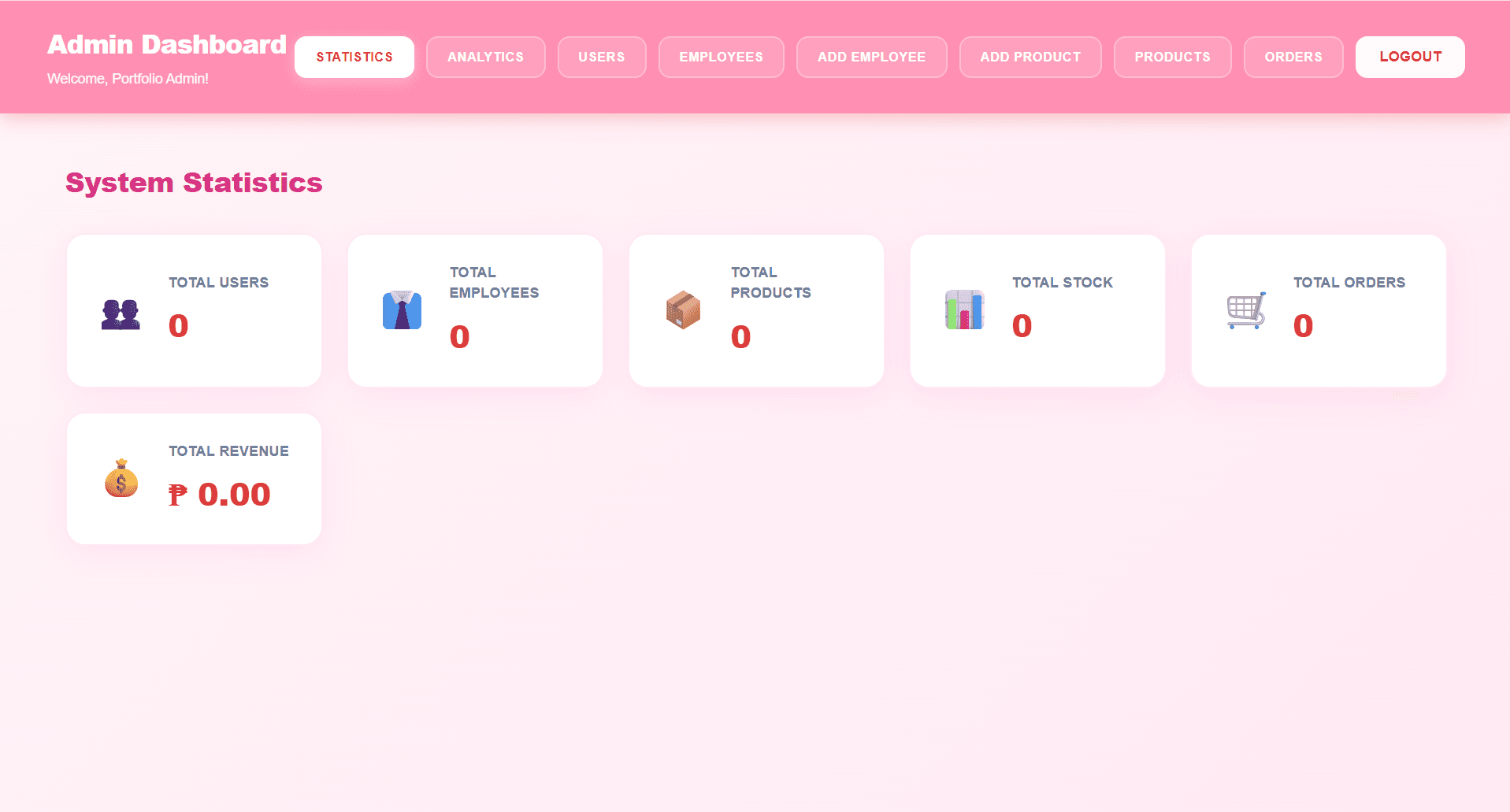
ITSO ID Tracker lets students book an appointment by request type, choose whether to take a new photo and follow the status from approval to printing to ready for pickup. ITSO posts announcements and manages appointments from an admin dashboard in the same system.

03My contributions

What I personally did

My role

Web Developer

National University – Dasmariñas · 2024 – 2025

Only my own work is listed here. What the team built together is described under Solution.

  1. UI/UX design

    Reworked the admin dashboard interface the ITSO office uses to manage appointments and ID records.

  2. Development

    Worked on status monitoring and record management for ID issuance and tracking.

  3. Testing

    Tested and refined system functions and interfaces, improving usability and data accuracy.

04Tech stack

What we used

  • FrontendReact 19ViteTailwind CSSReact Router
  • Backend & APINode.jsExpress
  • DatabaseMongoDBMongoose
  • Auth & integrationsJWTGoogle Calendar APINodemailerQR codes
  • LanguagesJavaScriptCSSHTML

05Key features

How it works

  • Book by request type

    Students choose term renewal, school-year renewal or lost ID, decide whether to take a new photo or keep the current one, and book a slot on a calendar that marks booked and closed days.

  • Status until pickup

    Each request moves through clear statuses — and can be put on hold or declined — so students know when their ID is ready to collect.

    1. Pending approval
    2. For printing
    3. Ready for pickup
  • Public appointment calendar

    Available appointment slots are visible before signing in.

  • Admin dashboard & announcements

    ITSO manages accounts and appointments, sees pending and completed counts with analytics and reports, and publishes announcements for students.

  • QR appointment pass

    Students get a QR pass for their appointment, which the office scans to verify it.

06Outcome & links

Where it landed

  • Simplified ID issuance and tracking workflows.
  • Improved usability and data accuracy through testing and refinement.
Back to Projects